How-to · Freeze
Export PDF from the machine that already paginated correctly.
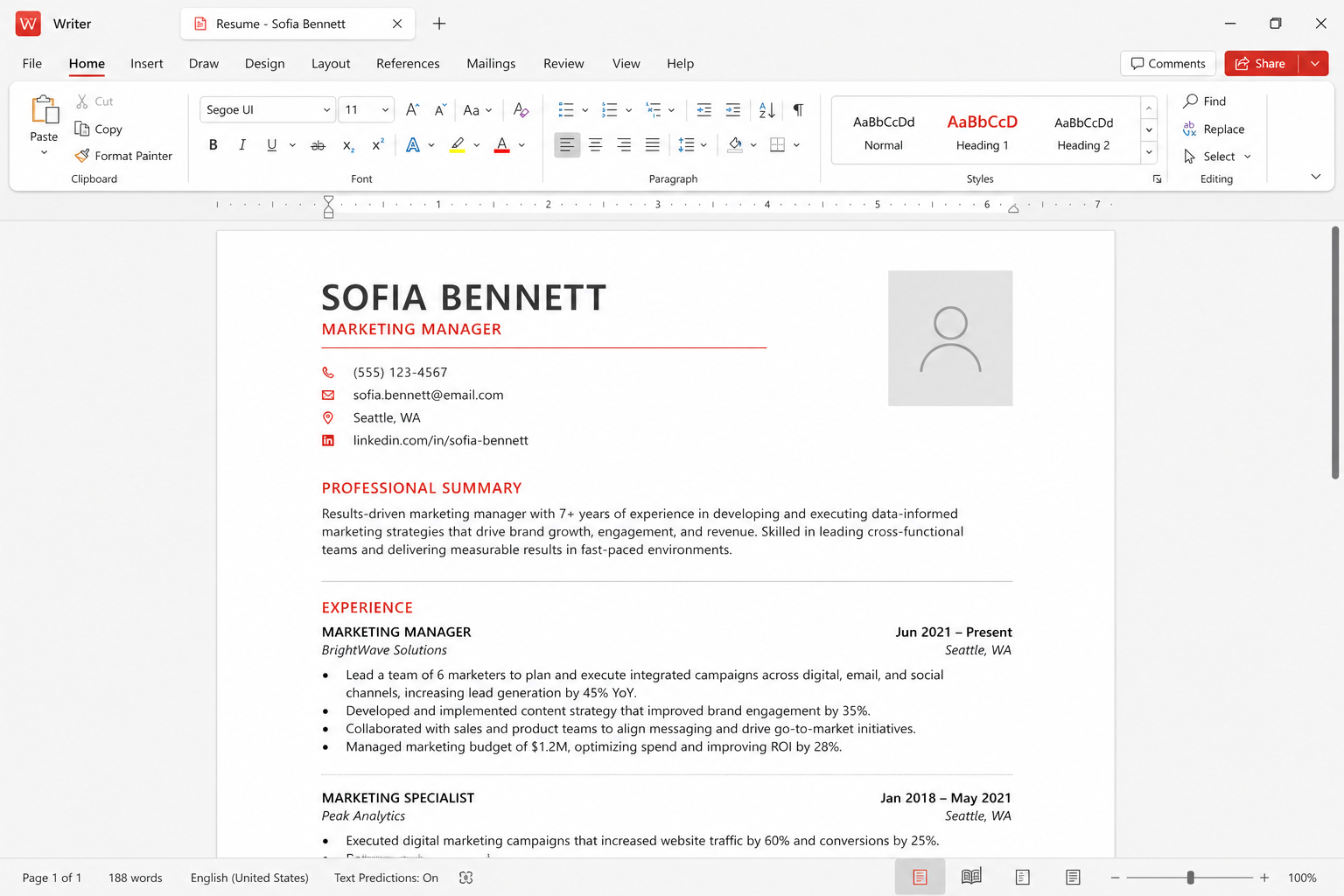
WPS Writer can freeze a DOCX as PDF with a built-in export. That is the reliable convert direction. Premium walls show up on some extra PDF tools, not always on a simple Save As. After export, reopen the file on a phone. If page 8 moved, fix Writer and export again.
Why this convert is the one that works
A PDF is a picture of a decision you already made about pages. The other computer does not need Calibri. It does not need your section breaks. That is why campuses, shops, and courts ask for PDF. WPS Office includes this export in the same installer as Writer. Use it from the official build — wps.com/download or a store — not from a browser extension a search ad installed.
The reverse trip, PDF to Word, is a cleanup job. This page is the peace treaty. Keep the DOCX. The PDF is the copy you upload or email when layout must not drift. Kingsoft’s marketing “47 formats” list does not replace this habit.
Finish the Word file like you mean it
Styles first. Heading 1, Heading 2, Normal. A table of contents built from styles updates; a table of contents typed by hand does not. Headers and footers belong in the header, not in the first paragraph. Different first page is the setting that keeps a title page unnumbered. If you designed the file as a poster of text boxes, export will faithfully freeze a fragile object. That is still better than sending the DOCX to a TA on a Mac, but you will hate the next edit. Rebuild with styles when you can.
Images: crop in Photo or another editor before you drop a 12-megapixel phone picture into page one. Huge images make a huge PDF and a slow email gateway. Compress if the destination is an LMS dropbox with a size cap.
Built-in export versus print-to-PDF
In Writer, open File and look for Export to PDF, Save As PDF, or a PDF icon on the toolbar. Labels move by build. The built-in exporter usually keeps hyperlinks and can keep bookmarks from headings. Windows “Print → Microsoft Print to PDF” also works as a fallback and sometimes loses those extras. Prefer the WPS command for a thesis or a catalog. Prefer Print-to-PDF if the WPS dialog is paying you to unlock “HQ” and you only need a readable freeze tonight.
Premium walls appear on batch convert, some security options, OCR (irrelevant when you already have a DOCX), and extra PDF toolkits. A single Export on a free skin is commonly available. If a nag appears, name the feature. Pay on the vendor site or use the print driver. Do not download “WPS PDF toolkit full.” See pricing notes.
Fonts, embedding, and the lab PC
Export embeds what the exporter can embed. A licensed house font may still substitute on a locked-down campus image if the PDF viewer is old or if you printed to a driver that outlined poorly. The check is empirical: open the PDF in Edge or Chrome, then on a phone. Zoom to 200 percent on a heading. If letters look like a different family or a title wrapped, go back to Writer. Switch the document to a face you know is common, or embed if your license allows, then export again.
This is the same story as format compatibility and Linux fonts. The PDF is how you stop arguing about the other person’s missing Calibri. If you must also send an editable file, send DOCX and say so. Do not send only PDF and expect the chair to “just change the date.”
Accessibility and the quiet extras
A tagged PDF is kinder to screen readers. WPS export options vary; if you see a box for bookmarks or accessibility, turn it on for long documents. Alt text on images still starts in Writer. Export will not invent it. Forms that must be filled should be designed as forms, not as a fake table with underlines. If the recipient must sign, read the file before you add a signature image — PDF notes.
Password protection on a PDF is a feature some builds gate. A zip with a password you already use in email is a clumsy backup. Do not put the only copy of a signed lease in WPS Cloud’s about 1 GB free locker and call it done.
Numbered export steps
- Update the table of contents. Print preview in Writer. Fix widows, heading orphans, and a logo that sits on the margin.
- File → Export to PDF (or Save As → PDF). Choose a folder next to the DOCX. Dated filename.
- If Premium asks for money for a basic export, try Print to PDF or confirm the wall on wps.com. No cracks.
- Open the PDF in a second program. Check page count against Writer’s status bar.
- Open the same PDF on a phone. If a line vanished into the margin, fix Writer and export again.
- Upload or email the PDF. Keep the DOCX. If you later edit, increment the filename; do not overwrite the copy the other party already has without saying so.
Related: PDF to Word, recover files if you exported and then lost the DOCX, troubleshooting, download. Independent handbook — we do not host PDF tools.