How-to · Convert
PDF to Word is a draft machine, not a time machine.
WPS Office includes built-in PDF-to-Word convert. It works when the PDF was born as digital text. It struggles when the file is a scan, a two-column journal, or a form drawn as lines. Premium walls are common on OCR and batch jobs. After convert, check fonts before you mail the DOCX.
The honest direction of travel
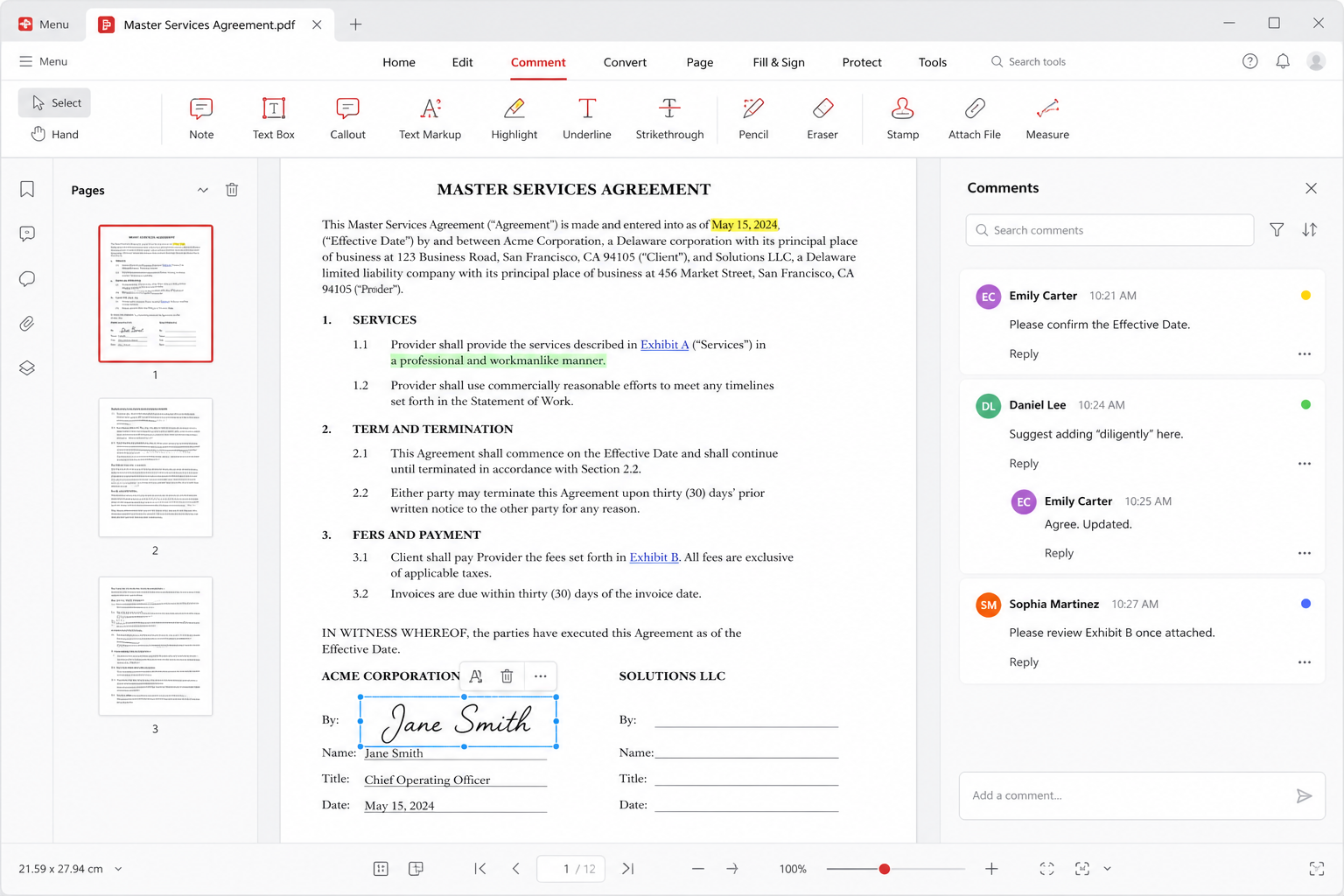
Word to PDF is how you freeze a page. PDF to Word is how you hope to edit. Those are not equals. Kingsoft’s PDF room can export a DOCX from a file you opened in the suite. That is the path this guide uses. Random “free PDF converter” websites are how a lease or a student paper leaves the building. If the content is private, stay inside the app you installed from wps.com/download or a store listing. This site never hosts converters.
The PDF handbook is the expectation-setter. This page is the recipe. You will still meet a paid nag on some builds: extra convert count, OCR, or a “Premium feature” tile. That is a product wall, not a corrupt install. Confirm live prices on wps.com. See free versus Premium.
Live text versus a stack of pictures
Open the PDF. Click a paragraph. If a cursor selects letters, you have a digital file. Convert will produce something you can clean. If you cannot select text, you have images of pages. Then you need OCR — often Premium in WPS — or you retype. OCR is never magic. Proof names, amounts, and medicine doses. A confident wrong digit is worse than leaving the PDF alone.
Two-column academic PDFs and brochures become a pile of text boxes even when the text is live. Budget an hour to pour the words into Heading and Normal styles. For a book, do not convert; keep the PDF or retype the chapter you need. For a one-page flyer with a date change, convert can still beat starting from scratch.
Where the button lives
Open the PDF in WPS PDF. Look for Convert, To Word, or Export. Choose DOCX, not an old DOC, unless a portal is stuck in 2003. Wait. Open the result in Writer — not only in the PDF viewer. Some builds also let you right-click a PDF in Explorer if WPS owns that type. If double-click opens another reader, open the file from inside WPS instead. Associations are a separate job: file associations.
If convert is greyed out or a paywall card appears, write down the exact feature name. That sentence is how you decide whether to pay, to use a library machine, or to keep the PDF. Do not search for “WPS PDF convert crack.” That search is malware weather. The supported unlock is a plan on the vendor site.
The font check nobody wants to do
Converted DOCX files often wear a substitute face. Titles wrap. A logo caption jumps. Tables split across pages that were single pages in the PDF. This is the same compatibility story as opening any foreign file: the next computer may not have the face the converter picked. Walk the document with formatting marks on. Replace a collage of text boxes with real paragraphs. Apply Heading 1 once. Compare page count to the original PDF.
If you must send an editable file, tell the other party it is a conversion draft. If you must send the same page, send PDF. The convert is for your editing, not for a court exhibit. Embed or switch to Arial, Times New Roman, or another face you know exists on the receiving machine. Linux classmates hit this harder — Linux fonts.
Scans, phones, and file size
Phone photos of a contract are huge and crooked. Straighten and crop before OCR. A 40 MB packet will bounce off email. Convert one page first as a quality test. If names come out wrong on page one, do not batch the rest. Spreadsheet-shaped PDFs (a bank statement that looks like a grid) often become a mosaic. If you need live numbers, ask for the XLSX. If you only need one total, type the total and cite the page.
WPS AI can “ask a PDF.” That is a summary, not a convert, and it can miss a clause. Do not let a chatbot be the only reading of a contract. See WPS AI.
Numbered convert steps
- Open the PDF in official WPS. Select a sentence. If you cannot, plan OCR or retyping — not a miracle DOCX.
- Use the built-in Convert / To Word command. Save the DOCX next to the PDF with a clear name, such as
policy-2026-from-pdf.docx. - If a Premium wall appears, stop. Pay on wps.com, use another legitimate tool you already own, or keep the PDF. No cracks.
- Open the DOCX in Writer. Delete empty frames. Rebuild headings and a table of contents if the file is long.
- Check fonts, hyphenation, and page breaks against the original PDF. Fix styles, not each line by hand if you can help it.
- Spell-check names and numbers, especially after OCR. Save As again.
- If the recipient must see the same layout, send the original PDF (or a new export). Keep the DOCX as your working copy.
Related: Word to PDF, format compatibility, troubleshooting, download. Official suite only — never a mirrored converter from this domain.