How-to library
The articles people search after the ribbon already opened.
Recover an unsaved file, convert PDF and Word, quiet ads the supported way, fix Linux fonts, and put Microsoft Office back in charge of DOCX after uninstall. This is an independent handbook. Installers stay on wps.com and the stores.

 01 · Panic first
Recover unsaved files
Backup Centre, autosave folders, Recycle Bin, and cloud versions when Writer closed on you.
 02 · Convert
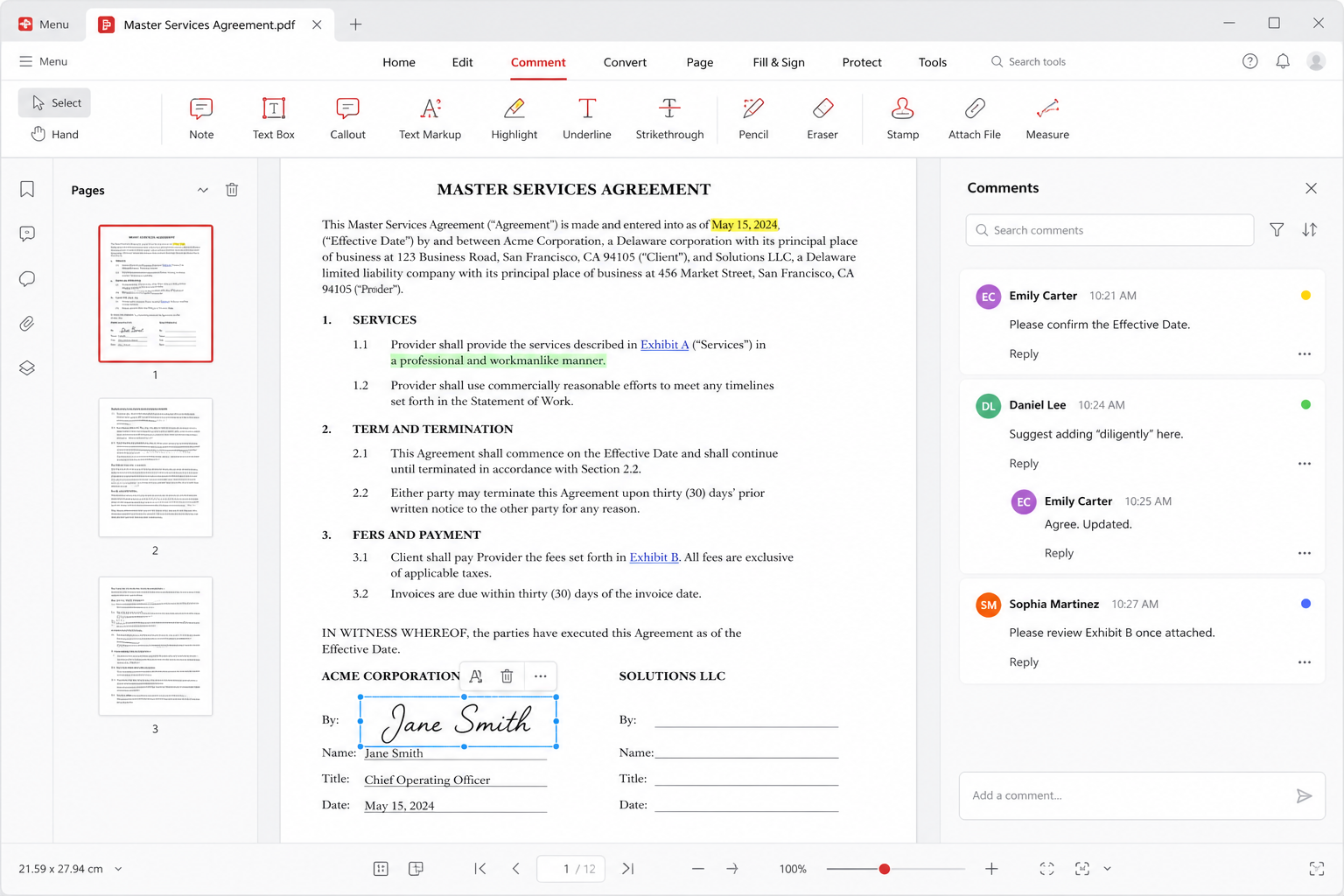
PDF to Word
Built-in convert, paid walls, and why you must check fonts after the file becomes a DOCX.
 03 · Freeze
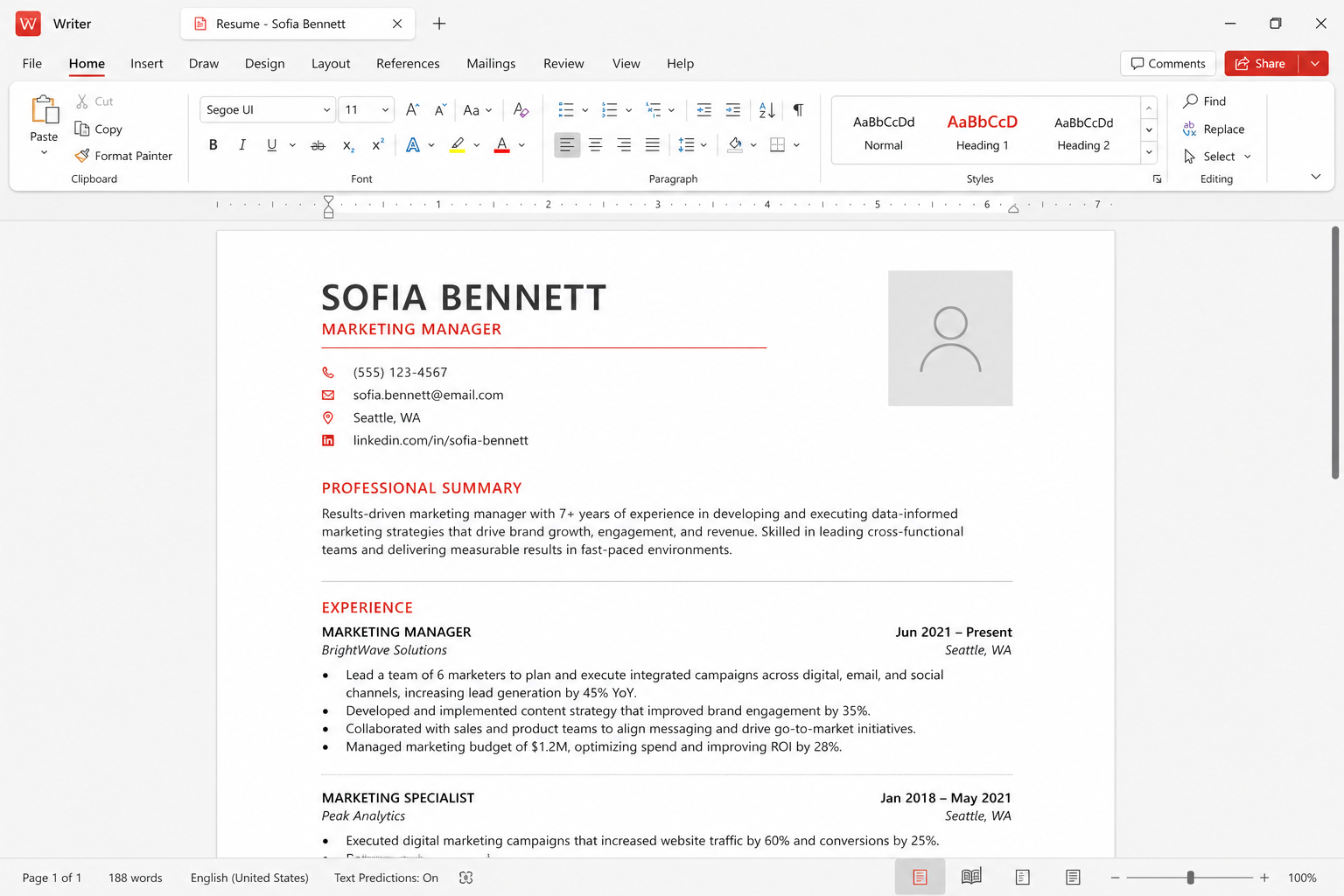
Word to PDF
Export from Writer so page numbers stay still on a lab PC that does not have your fonts.
 04 · Launch
WPS will not open
Update, kill leftover processes, clear cache, free disk, then reinstall from official channels only.
 05 · Round-trip
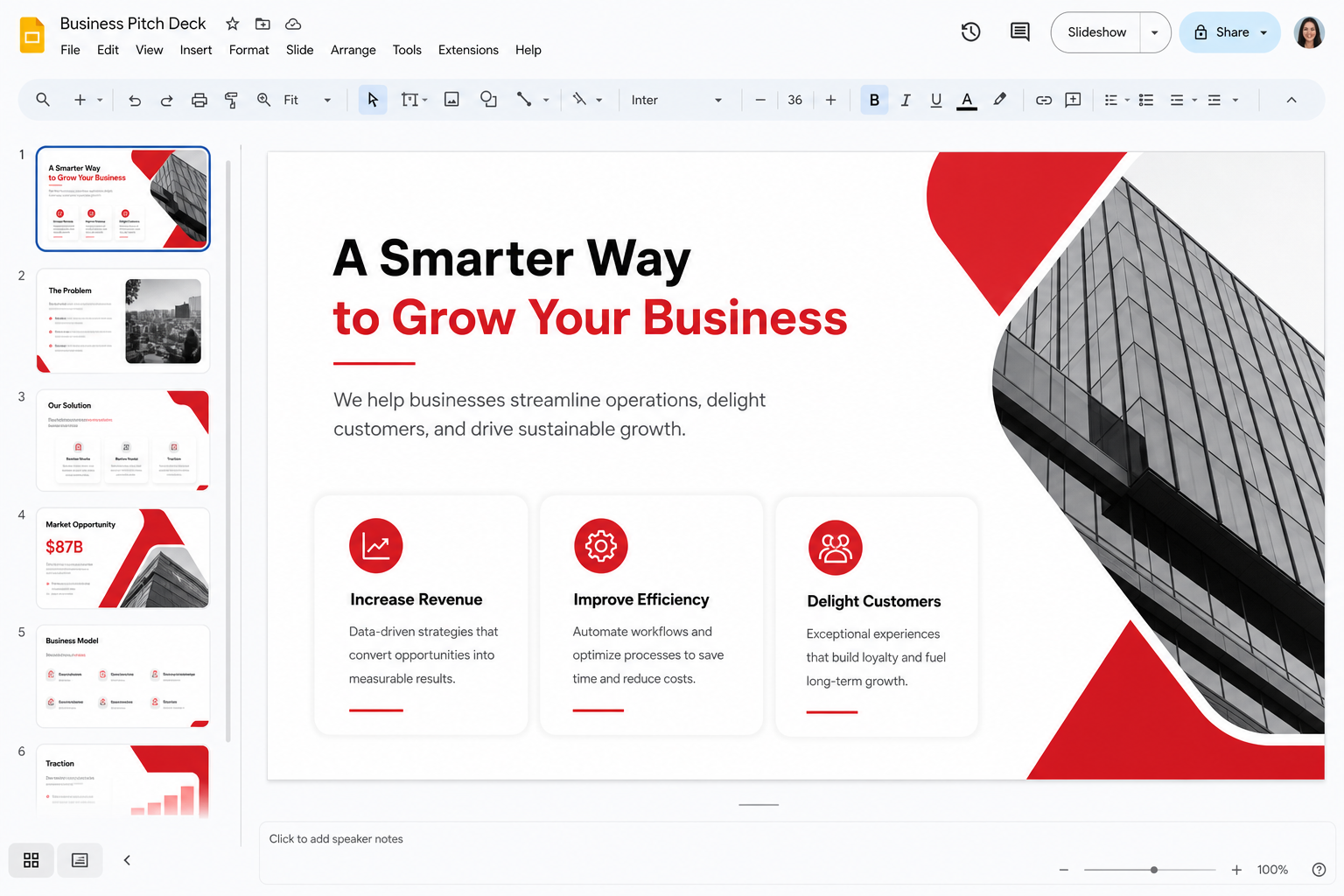
Format compatibility
DOCX, XLSX, and PPTX are daily formats. VBA, protected templates, and missing fonts are the risks.
 06 · Sheets
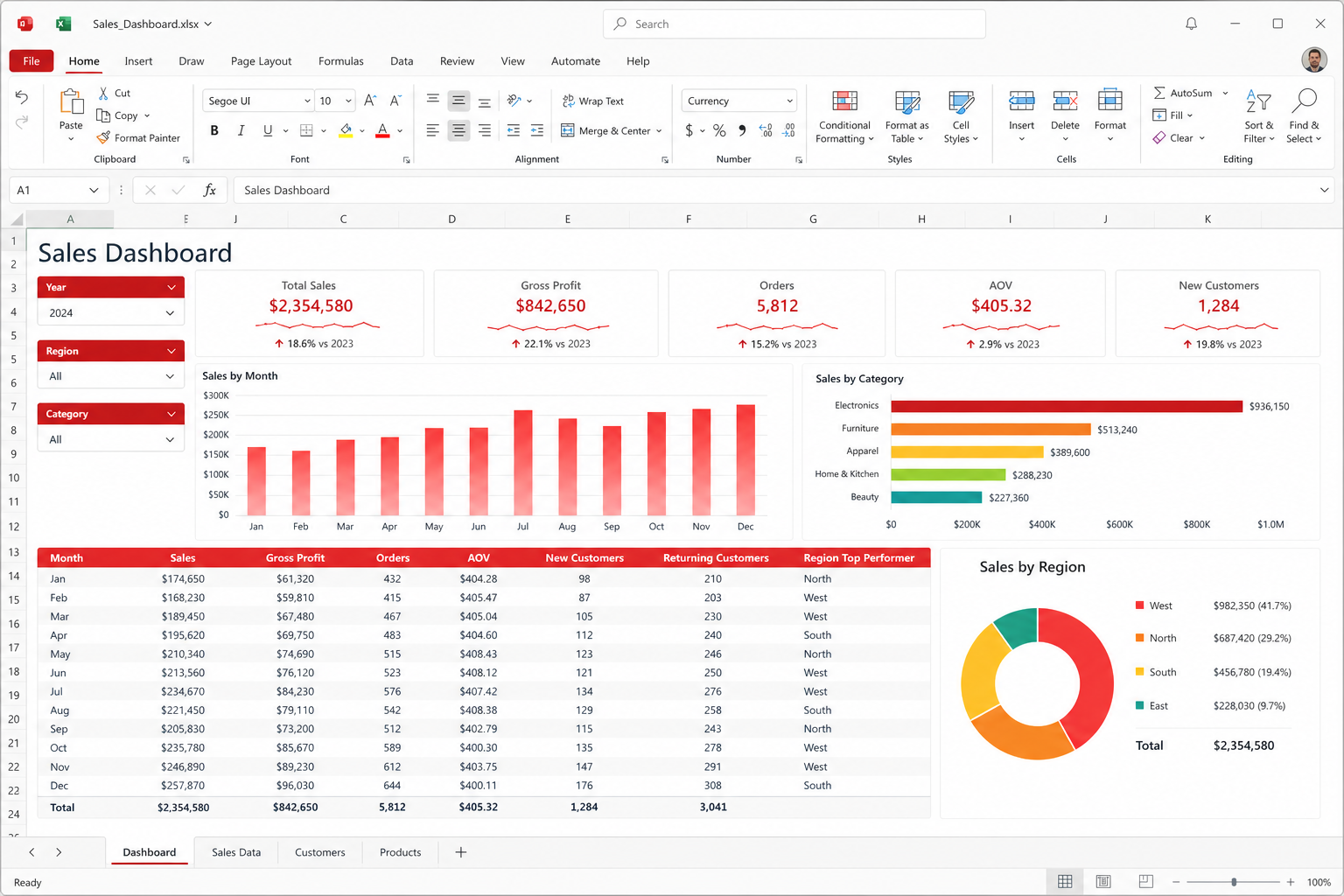
Excel formulas in WPS
SUM, VLOOKUP, IF, and INDEX/MATCH usually work. Power Query and VBA are the weaker row.
07 · Letters
Mail merge
Writer plus a clean spreadsheet data source. Preview the longest name before you print 200 envelopes.
08 · Sync
Sync across devices
One WPS account, about 1 GB free or around 20 GB paid. Local editing still does not require a login.
09 · Linux
Linux fonts
Missing Calibri and Wingdings look like a broken download. They are not. Install legal core fonts.
 10 · Ads
Disable ads
Free tier shows ads. Premium is the supported path. No cracks. A firewall workaround some users try.
11 · Defaults
File associations
Windows Settings → Default apps by file type. Point DOCX, XLSX, PPTX, and PDF on purpose.
12 · Disk
Clear cache
Settings → Advanced → Cache, move Backup Centre off C:, and the Kingsoft AppData folder.
13 · After
Office after uninstall
Repair Microsoft Office, reset defaults, leftover icons. The pattern Microsoft Q&A already knows.
How to use this index
Type a symptom into the search box: “autosave,” “Wingdings,” “wps.exe,” “associations.” Cards hide when they do not match. If you are not sure which article you need, start at troubleshooting. Download maps live on download. Reader composites live on stories.
These walkthroughs are handbook notes, not Kingsoft support tickets. Ribbon labels drift between builds. When a menu name moved, follow the idea: Backup Centre still means recovery, Cache still means disk, Default apps still means who owns .docx. We never host EXE, DMG, Deb, or APK files. Official bits stay on wps.com/download and the platform stores.