How-to · Round-trip
DOCX is first-class. VBA is a different product.
WPS Office opens Word, Excel, and PowerPoint files as daily work, not as a consolation export. The failures that matter are fonts, protected templates, and macros. When a page must not move, freeze it as PDF from the machine that already got the layout right.
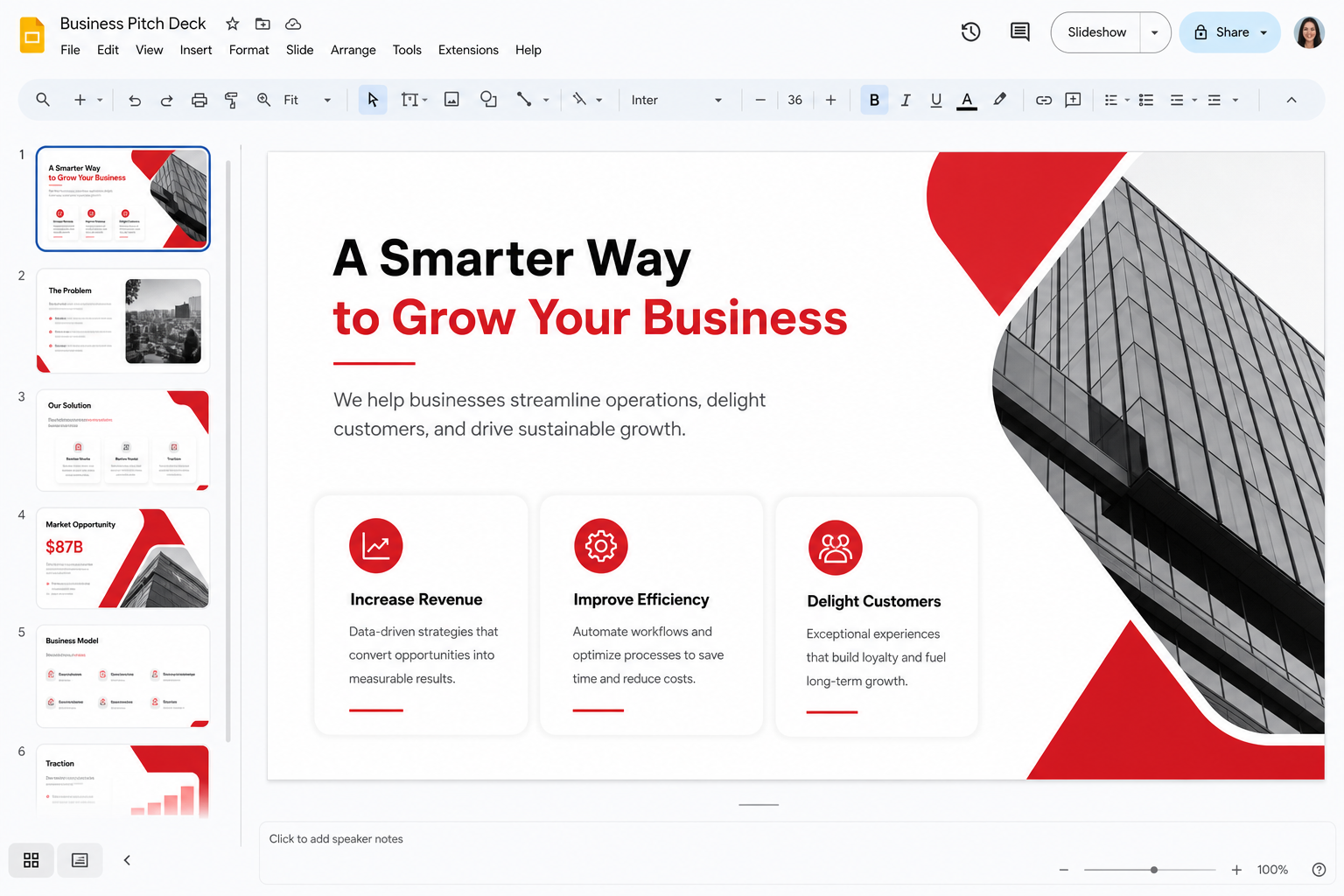
What “compatible” actually means
Kingsoft built the suite to live in a Microsoft-shaped world. A classmate’s DOCX, a supplier’s XLSX, a client’s PPTX usually open as usable files. That is the honest headline and it matches what most store reviews mean by “works with Word.” Compatibility is not identity. Microsoft still defines edge behavior: yesterday’s SmartArt, a dynamic array a textbook has not caught, a transition designed for a keynote hall. Test the file you care about. A blank document proves nothing.
The longer essay lives on compatibility. This guide is the checklist you run before a deadline. Official binaries stay on wps.com/download. This handbook does not host converters.
Set the default save format on day one
If Writer still saves a Kingsoft-native type, you will eventually mail a file someone cannot open cleanly. Set DOCX, XLSX, and PPTX as defaults. Older DOC/XLS/PPT exist for museums and stubborn portals. Daily life is the x-formats. PDF is how you stop the argument, not how you keep an editable source. Two files: the DOCX you still own, the PDF you send.
Turn on the habit of opening the exported PDF in a second viewer — browser, phone, another suite. If page 12 is still page 12, you are done. See Word to PDF.
Fonts are the number-one “WPS ruined my file” thread
Calibri, Cambria, Wingdings, and Symbol are not on every Mac, every Ubuntu laptop, or every Windows N edition. WPS substitutes. Headings wrap. Checkboxes become rectangles. This is not a corrupt download. It is a missing face. Legal fixes: install fonts you have a license to use; switch the document to Arial, Times New Roman, Georgia, or a metric-compatible substitute; embed when the license allows; or export PDF. Illegal fixes: a “10000 fonts” ZIP from an ad.
Linux users hit this first — Linux fonts. Mac users who never installed Office hit it next. Windows users hit it when a designer used a paid display face and only sent the DOCX. Embed fonts in Presentation when you can. Then stand in the room with the actual projector before a graded talk.
VBA, macros, and protected templates
Ordinary formulas belong in the formulas guide. VBA is the hard stop. A production workbook with macros is an Excel artifact. Open it read-only in WPS to read values. Do not become the new author. Do not Enable Content because a supplier named the XLSM Invoice. Macros are a security topic as much as a compatibility topic.
Protected corporate templates, content controls, restricted editing, and some third-party citation add-ins are the Writer equivalent of that risk. You can often type in the body and still break a lock, a field, or a style the legal department expected. Keep the official template on Word. Do your thinking in WPS if you must. Do the last pagination pass on the suite the recipient will use. Tracked changes generally appear; do not assume every balloon survived a legal redline.
Presentation, mail merge, and the round-trip ritual
Title-and-bullet decks survive. Embedded uncommon video and master-only fonts may not. Export a PDF backup. Mail merge works for everyday letters when the data lives in a spreadsheet — mail merge — and fails when the data source is a Word-only gadget or a macro. Always preview.
Round-trip means: edit in WPS, open in Word, look at page 1 and the last page, check a chart, check a table of contents. If you only look at page 1, you will ship a surprise on page 18. When the other party is a government portal that validates OOXML strictly, prefer the Microsoft seat for the last save. When the other party is a human with Word, DOCX plus a PDF spare is enough for most of us.
Charts, section breaks, and the last save on the other suite
A chart that used an Excel feature WPS maps poorly will open as a picture or as a blank. That is still better than a silent wrong number, and it is why you compare a known total. SmartArt and tightly layered text boxes in Writer are the document equivalent: they look like a poster tool and they drift. Rebuild with styles when the file must live in two suites. Accidental section breaks are how “restart numbering” becomes a ticket. If you do not need a section, do not insert one.
When the recipient is a portal that validates OOXML strictly, do the last save in Microsoft Word or Excel even if you drafted in WPS. When the recipient is a human, DOCX plus a PDF spare is enough. Say in the email which file is editable. Teachers who asked for PDF already solved this; students who send only DOCX and then argue about fonts have not. The students page and teachers page say the same thing from both sides of the dropbox.
Older binary formats (DOC, XLS, PPT) still open for the museum and the stubborn government form. They are not a reason to keep saving new work in 1997 clothes. Password-protected files open when you have the password; they do not prove encryption quality. If a template is IRM-protected or Azure-AD locked, WPS may refuse it. That refusal is compatibility telling the truth. Keep those files on the Microsoft seat your organization already pays for.
Numbered compatibility steps
- Set DOCX, XLSX, and PPTX as default save formats in each app.
- Copy the real file. Open the copy in WPS. Do not test a blank.
- Replace rare fonts or embed licensed ones. On Linux, install core fonts before you “fix” the suite.
- If the file is XLSM or a macro-enabled template, keep authorship on Excel. Read-only in WPS.
- If the file is a locked departmental template, type elsewhere or use campus Word for the last pass.
- Export PDF from the machine that looks right. Reopen the PDF on a phone.
- Send DOCX for editing, PDF for freeze. Say which is which in the email.
Related: full compatibility notes, PDF to Word, WPS vs Microsoft, troubleshooting, download.