Phone and tablet
The dense mobile editor people actually keep installed.
On Android, WPS Office is a documents-plus-PDF-plus-scanner app with a long tail of store ratings. Install it from Google Play as cn.wps.moffice_eng. Do not sideload an APK from a search ad. This page is the independent map of what the phone app is good for and where the free tier stops.
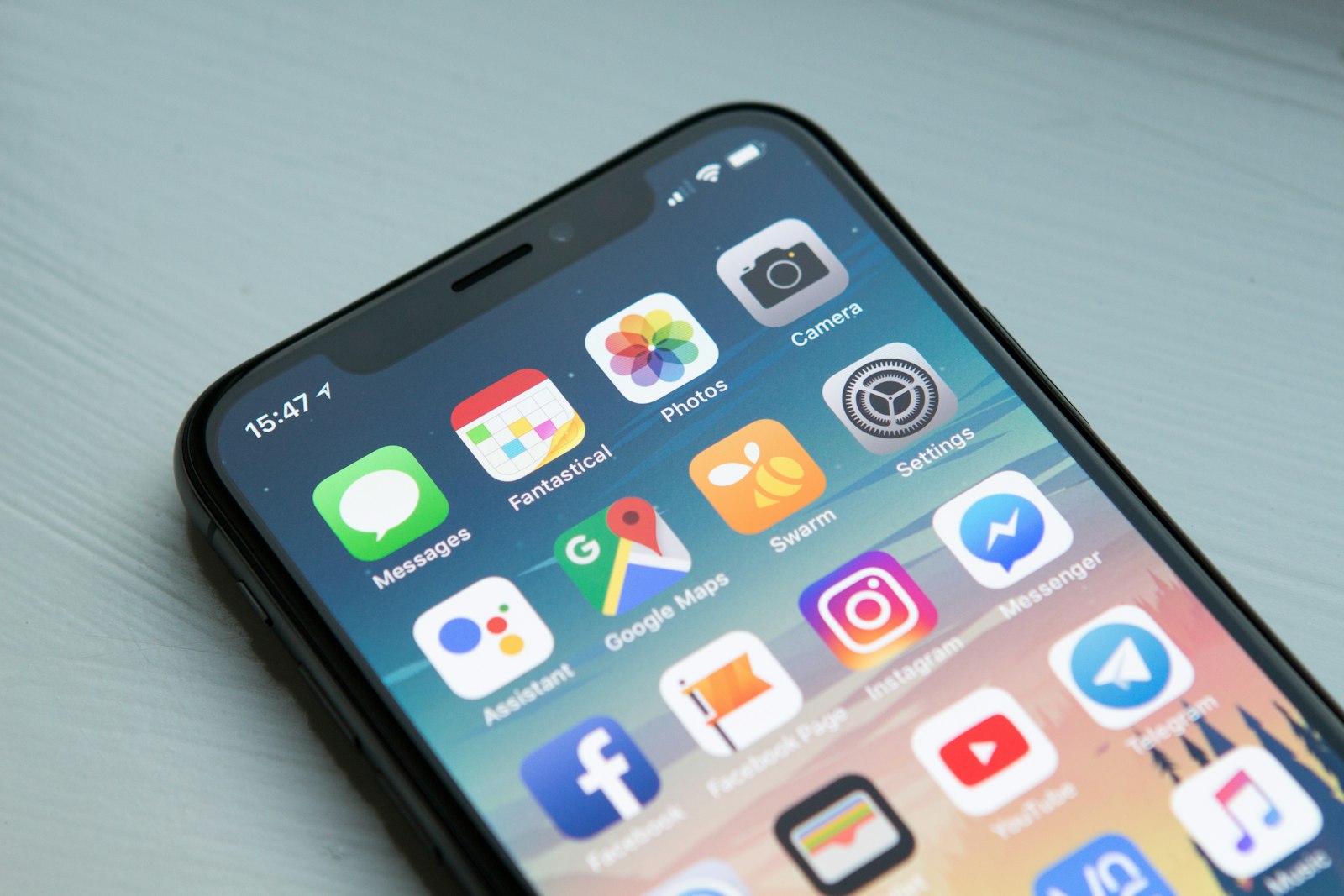
The only install path that belongs on this site
The official English Play Store package ID is cn.wps.moffice_eng. Open it from the Play listing or from the vendor download center if that page routes you to Play. Third-party APK sites, Telegram “full version” channels, and browser popups that say the Play Store is blocked are how phones collect extra admin apps. We will not link them. We will not walk through sideloading.
Gizmodo’s August 2026 software directory listed the Android app at about 4.5 stars from roughly 5.98 million votes. That is a popularity signal. It is not a lab certification, and it does not make a random APK safe. A high rating also hides one-star weeks after a bad update. Read recent reviews for crash reports on your Android version, then update through Play like any other app.
How old a phone can be
Historically, WPS Office advertised Android 4.1 and later. That floor is a museum label in 2026. Current Play builds target much newer API levels, and Google Play itself will refuse ancient devices. If you are holding a phone that still thinks 4.1 is current, the honest advice is a new device or a web editor, not a hunt for an old APK. Old APKs do not get security patches.
On a supported phone, the app is one of the denser mobile editors: Writer-class documents, spreadsheets, slides, PDF annotation, and a camera scanner that turns a paper form into a file you can email. Tablets get more ribbon. Phones get more bottom sheets. Neither replaces a desktop for a 40-page thesis with tracked changes, but both beat trying to edit XLSX in a generic file viewer.
What the free Android app actually does
You can open and edit the same everyday DOCX, XLSX, and PPTX files you use on Windows. You can comment on a PDF. You can scan a receipt. Ads appear. Conversion quotas, OCR, extra templates, and cloud above about 1 GB are the usual paid walls, same story as desktop. Pro+ pricing in 2026 was listed around a few dollars a month; Sharing sat near $2.49 per user per month. Confirm on wps.com. Do not trust an in-app tile that looks like a one-time lifetime deal from a third party. See free versus Premium.
A WPS account unlocks Kingsoft cloud and cross-device continue-on-PC. You can refuse the account and work in local storage or a folder synced by another app. On Android that means the Documents folder, a USB OTG drive, or a provider like Drive. Know which copy is canonical. Phone storage plus three cloud copies is how people submit last week’s draft.
Scanner, PDF, and the cafe workflow
The scanner is why freelancers keep the app. Photograph a signed page, crop, convert, send. Lighting matters more than megapixels. OCR, when you need searchable text, often sits behind Premium. If a client requires a searchable PDF and you are on the free tier, use a desktop pass or a dedicated scanner app you already pay for. Do not invent text by squinting at a photo and retyping under a deadline if the document is a contract.
PDF markup on a phone is good for initials and a short comment. It is a poor place to rearrange a 60-page filing. Open heavy PDFs on desktop or the web version when you have a keyboard. Compatibility still follows the desktop rules: freeze layout as PDF when it must not move; do not run VBA on a phone. Details sit on compatibility.
Permissions, ads, and “is this spyware”
The app will ask for storage or media access because that is how it opens your files. Camera permission is for the scanner. A contacts permission you do not need can be denied. Ads and default-app prompts are product choices, not proof of malware. Install only from Play, keep the app updated, and you are in the same risk class as other large productivity apps. Chinese vendor origin is a compliance question for some governments and contractors. It is not a reason to download a “cleaner” APK that claims to strip telemetry and accidentally strips signature checks. Read the security page for the non-fearmongering version.
If your workplace forbids the app, use the tools they issued. Do not hide WPS under a personal profile to process restricted files. That is a policy violation wearing a productivity hat.
Android versus iPhone, and when to switch to a keyboard
Play’s rating volume dwarfs the App Store’s because Android’s install base is larger. Gizmodo’s August 2026 snapshot put iOS around 4.8 stars from about 17.8 thousand votes — a smaller, slightly happier sample. Feature parity is close for everyday files. Apple Pencil workflows belong on the iOS page. Hardware keyboards help on both platforms. If you write more than a page, pair a keyboard or move to Windows, Mac, or Linux.
Languages on mobile follow the same family as desktop: English, Indonesian, German, Spanish, French, Thai, Portuguese, Polish, Russian, Japanese, and others. See languages. Shortcuts on a hardware keyboard are close to the desktop set on the shortcuts page.
Uninstall and leftovers
Uninstall from Settings or the Play Store. Local files you saved in app-specific storage can disappear with the app; files you saved to shared storage remain. That is an Android storage-scoping reality. Export anything important to a folder you control before you remove the app. Desktop leftovers under %AppData%\kingsoft are a Windows story; they do not apply here. The uninstall guide still matters if you also run the PC suite.
Related: students, small business, compare suites, history.