Money, later
Write for a month on free. Pay only when a wall has a name.
WPS Office is a freemium suite. Standard is free: basic PDF, limited templates, about 1 GB of cloud, on the order of 47 formats and 46 languages. Pro+ was listed around $5.83 a month in 2026, or less on an annual bill. Sharing sat near $2.49 per user per month. AI on Pro+ still has daily limits. Confirm every number on wps.com before you enter a card.
What “free” actually includes
You can install Writer, Spreadsheet, Presentation, and a PDF reader from official channels without paying. That sentence is the product’s public promise and it is true enough for school papers, club posters, and a shop’s weekly invoice. You can open DOCX, XLSX, and PPTX as daily formats. You can export a simple PDF. You can work locally with no account. Ads appear. Template galleries tease packs you do not own. A conversion or OCR job may stop and ask for money. Those nags are the business model, not a broken install.
Kingsoft’s marketing language for the free Standard tier in this era has been consistent on four bullets: basic PDF tools, a limited template library, about 1 GB of WPS Cloud, support for a large format list (about 47 types), and a large language list (about 46). Treat “47” and “46” as vendor-rounded counts, not as a reason to open a binary file from 1996. The formats that matter are still the Microsoft ones plus PDF. See compatibility and languages.
Where the free tier stops feeling free
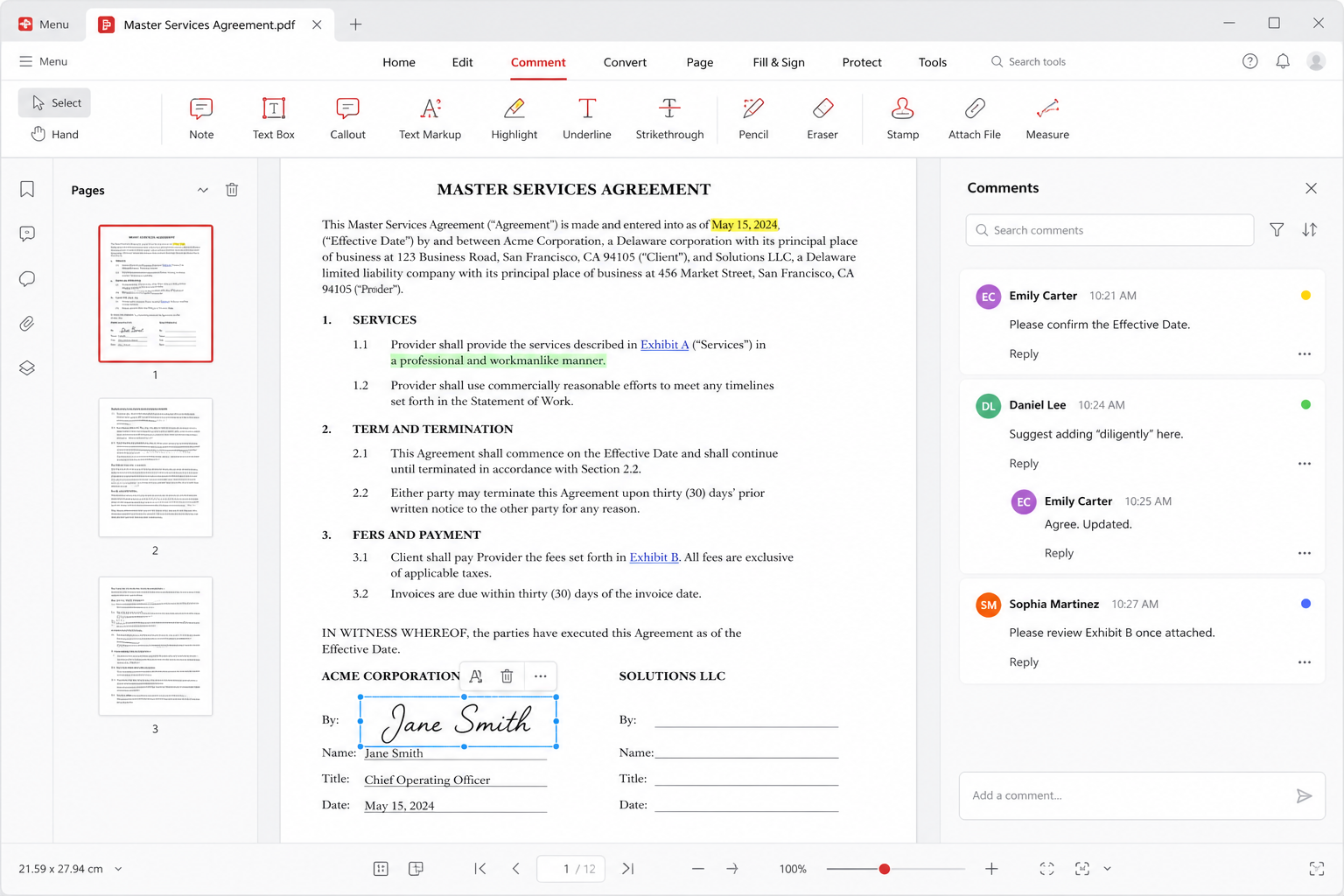
PDF is the usual wall. Reading and commenting stay available. Batch convert, OCR on a twenty-page scan, form filling at volume, and some signature workflows get counted or locked. If your week is “open the PDF someone mailed,” stay free. If your week is “make 40 scans searchable by Friday,” you are in paid territory or you need another tool.
Cloud is the second wall. 1 GB is a semester of essays, not a photo archive and not a raw-video junk drawer. Paid plans advertise a much larger bucket — around 20 GB has been the common upgrade story. If you already pay for iCloud, Drive, or OneDrive, you can ignore WPS Cloud. The web version is tied to the same quota because it is the same account.
Templates and clip-art marketplaces are optional. A blank document still types. Students who feel they “need” a neon resume template do not need a subscription; they need a simpler layout. Teachers who need a quiz sheet can build one in Spreadsheet. See students and teachers.
Pro+ in 2026 numbers — and why they move
Public list prices on wps.com in 2026 put Pro+ near $5.83 per month on a monthly card, with a cheaper effective rate when you pay annually. That is a list price, not a law. Regional stores, education promos, and Apple or Google in-app billing add tax and currency conversion. If an in-app tile says “lifetime 90% off” from a name that is not Kingsoft, walk away. We do not list unofficial coupon sites.
Pro+ is the ads-off, higher-quota, heavier-PDF, extra-cloud bundle for one human. It is not Microsoft 365. It does not include Outlook. It does not make VBA safe. It does not make five-way live typing as good as Google. Read the comparison before you “upgrade to be professional.” Professional in a law firm is still a Microsoft seat plus a records policy.
Sharing plan: the small-team middle
A Sharing plan listed near $2.49 per user per month is aimed at a handful of people who want the same paid pool without buying five separate consumer subscriptions. It is not a replacement for Google Workspace admin, and it is not an Azure AD tenant. Small businesses should count actual users, then compare that line against Microsoft 365 Business and Google Workspace. If the team’s pain is invoices and PDF markup, Sharing can be enough. If the team’s pain is email identity and device management, it is not.
Do not share one personal Pro+ login across a shop “to save money.” That violates the terms you clicked, mixes documents, and makes offboarding impossible when someone leaves. Pay for seats or stay on free local files.
WPS AI is not unlimited on Pro+
Paid plans advertise AI features: draft a paragraph, summarize a PDF, sketch a deck. They also attach daily limits. Hitting a cap at 4 p.m. on a deadline is a product reality. Treat AI as a first draft. Verify every number, every citation, every name. Do not paste confidential client data or exam material into a cloud model unless policy allows it. That is the same warning we put on security and the classroom pages.
If you never use AI, do not buy Pro+ for AI. Buy it for PDF volume, ads-off, or cloud. If you only need AI twice a year, stay free and write the paragraph yourself.
How to decide in one week, not one popup
- Install from the official download center or a platform store. Use free for seven days of real work.
- Write down each time a feature blocked you. Name the feature: OCR, convert quota, cloud full, ad covering a dialog.
- If the list is empty, stay free. If the list is “OCR twice,” price a dedicated scanner app versus Pro+.
- If you need seats for a shop, compare Sharing at about $2.49 per user to Google and Microsoft, not to a YouTube “best office 2026” chart.
- Confirm the live price on wps.com. This page will go stale. The vendor page is the contract.
Related platform notes: Windows, Mac, Android, iOS. If you cancel later, read uninstall so file associations do not follow you into Word. History of the 2016 freemium turn is on history.