Suite map · Apps
Five rooms, two extras, and a catalog: pick the page that matches the stuck file.
This hub is the table of contents for the independent WPS Office handbook. Writer, Spreadsheet, Presentation, PDF, and Photo are the rooms. WPS AI and Cloud are optional layers. Templates and collaboration are how people actually start and finish together.

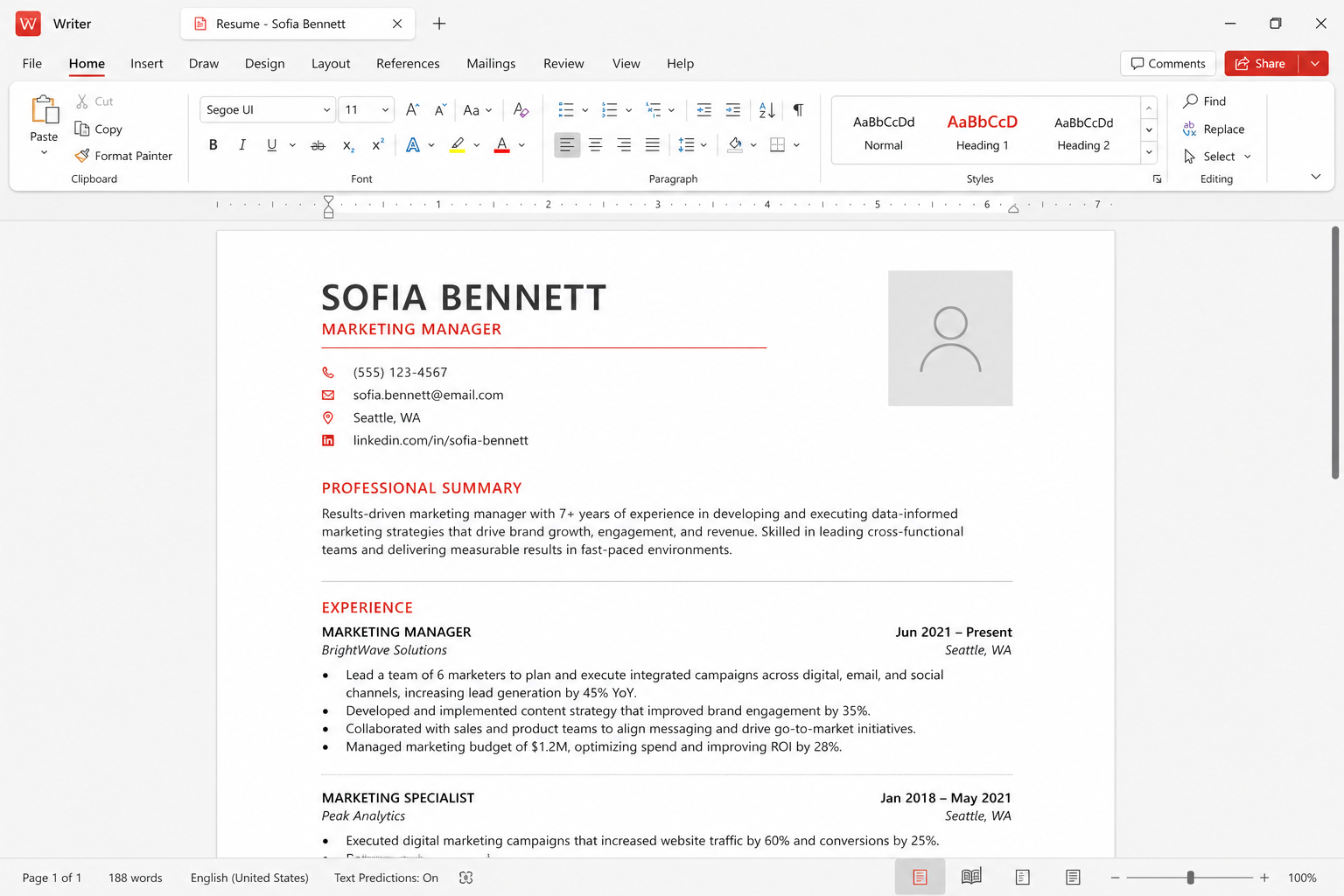 01 · Documents
Writer
Word-like ribbon, styles, fonts, mail merge, and DOCX as the daily default.
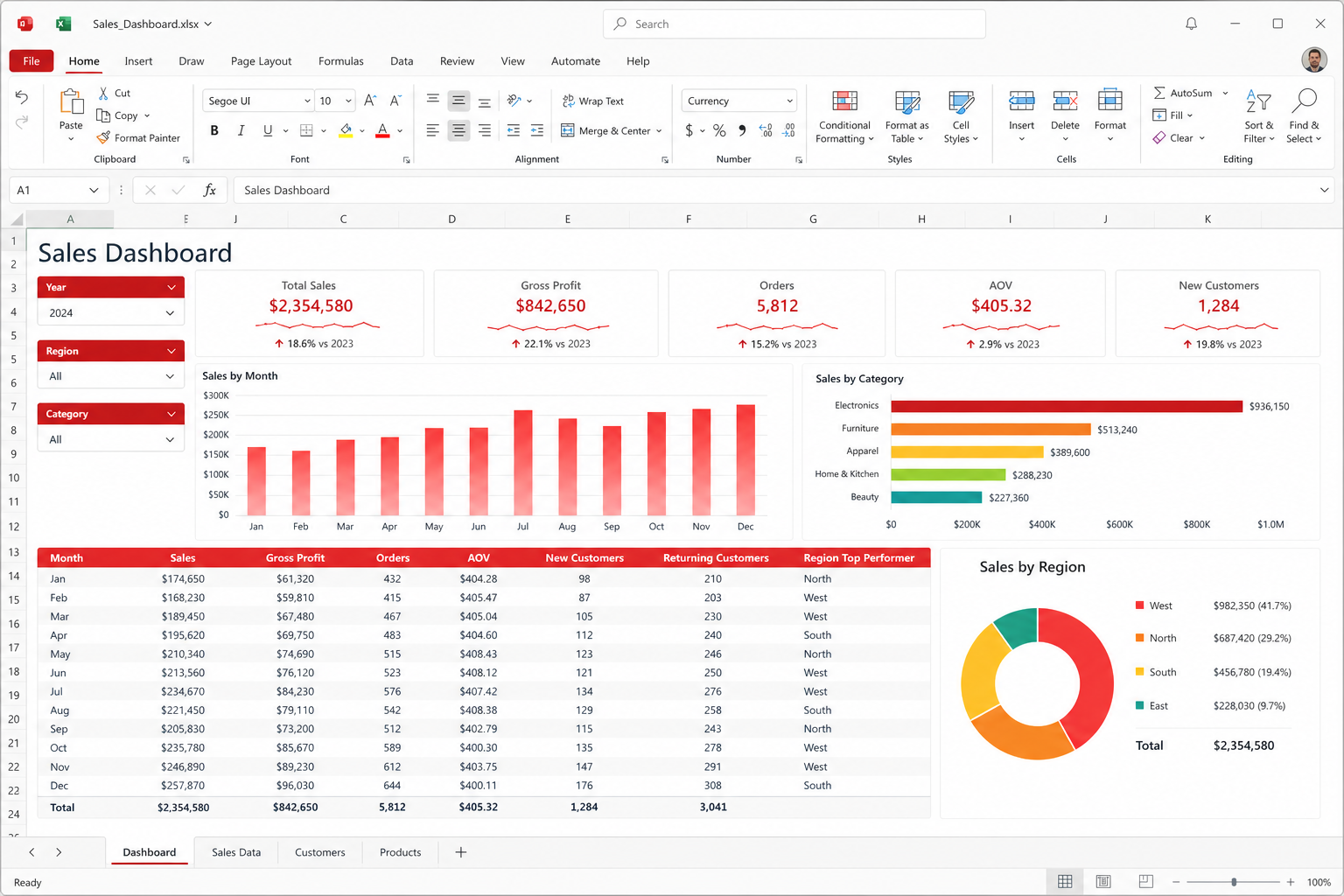 02 · Data
Spreadsheets
Formulas, charts, pivot-ish tools, first-class XLSX — and VBA that can fail.
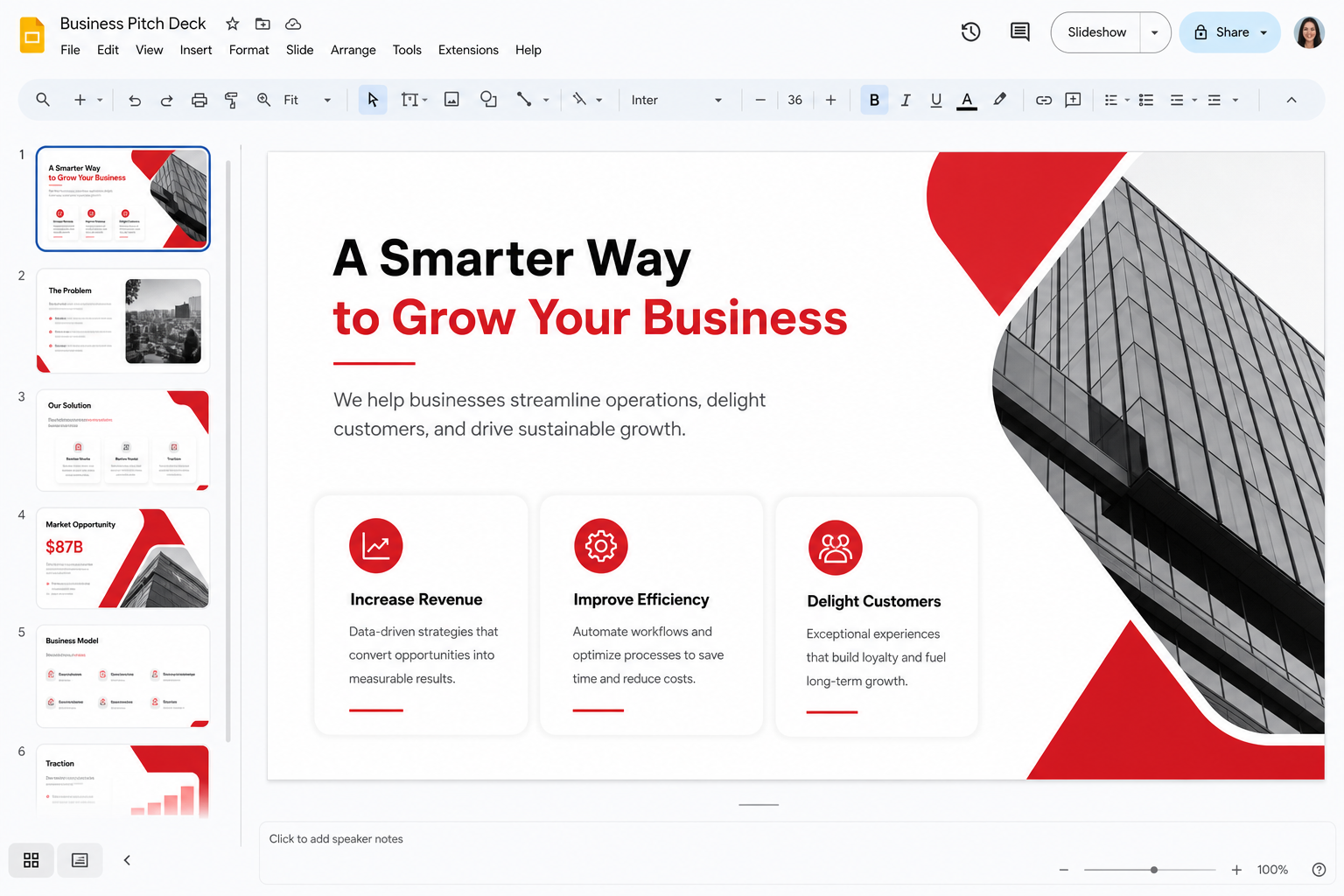 03 · Decks
Presentation
PPTX, speaker notes, templates, and AI first drafts you must still rewrite.
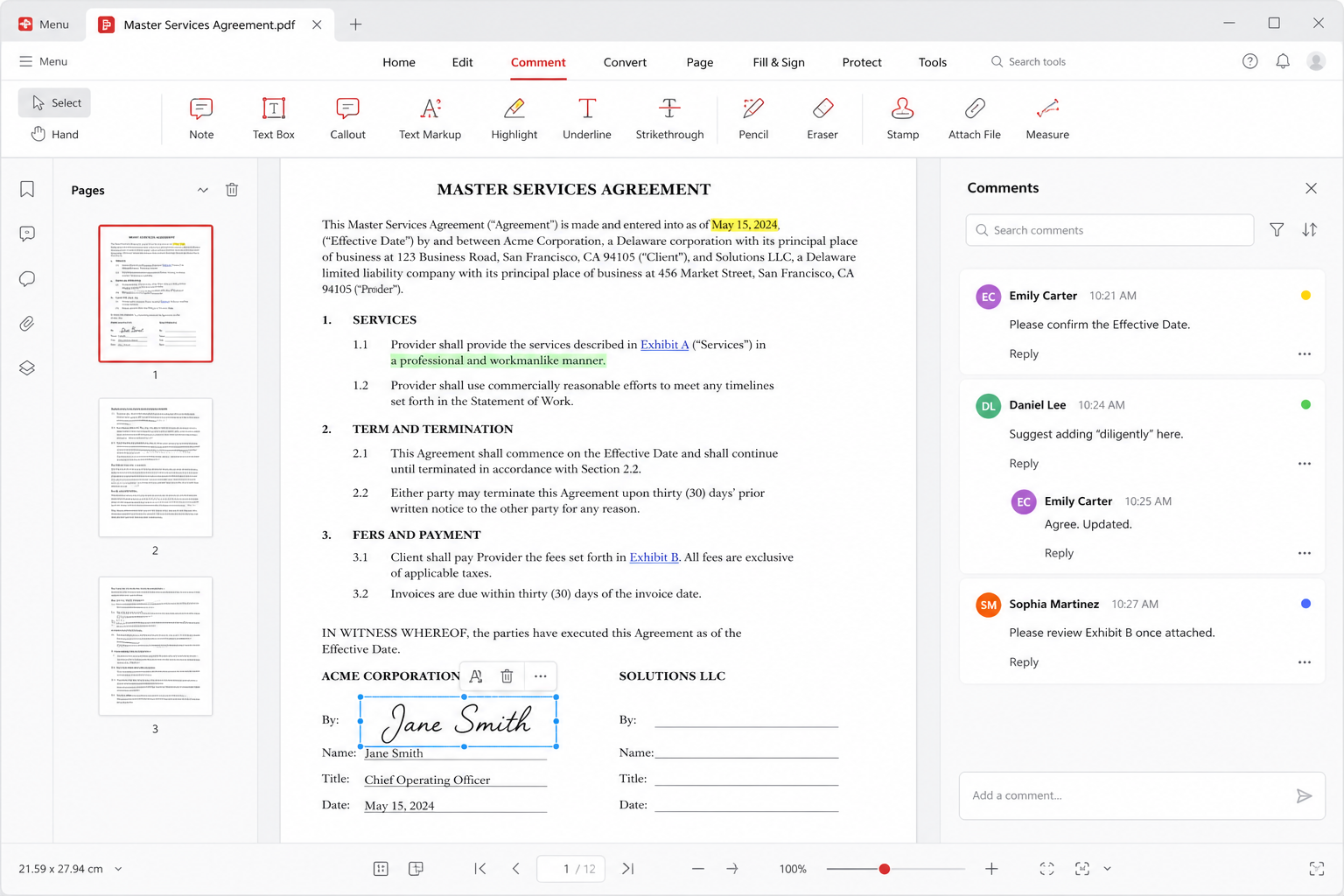 04 · Paperwork
View, annotate, convert, sign. OCR is a frequent Premium wall.
 05 · Images
Photo
Crop, rotate, annotate. A lightweight bench, not Photoshop.
 06 · Copilot
WPS AI
Draft, summarize, chat with PDF, AI slides. Pro+ has daily limits.
 07 · Sync
Cloud
About 1 GB free, around 20 GB paid. Local files remain valid.
 08 · Starts
Templates
Vendor claim: 100,000+. Gut placeholders. Blank is sometimes faster.
 09 · Review
Collaboration
Comments, track changes, co-edit. Google Docs still wins the swarm.
One installer, several jobs
Kingsoft ships WPS Office as a single suite so a student, a clerk, or a shop owner does not buy five products. Writer is the prose room. Spreadsheet is the grid. Presentation is the deck. PDF is the freeze and the paperwork kit. Photo is the small crop-and-annotate bench. WPS AI drafts and summarizes when you let it. Cloud syncs a working set to a phone. That is the whole map. This site is not the official vendor site. We do not host installers. We write field notes so you know which room to open when a file misbehaves.
DOCX, XLSX, and PPTX are first-class. That is the compatibility bet. The suite cites 47 formats, which is a way of saying conversion is built in and you should still pick a default you can mail. Set those three Microsoft formats on day one. Export PDF when the page must not move. The compare page is blunt about Outlook, Teams, SharePoint, Excel VBA factories, and live Google typing — jobs WPS should not pretend to own.
The core editors are free. Ads are common on free skins. Paid plans usually buy quieter screens, extra Cloud, heavier PDF (OCR is a frequent wall), and more AI before the daily meter stops you. About 1 GB Cloud is typical when you pay nothing; around 20 GB appears in paid marketing. Confirm live prices on wps.com. Fetch builds only from the official download center or Microsoft Store product 9NSGM705MQWC. Download, free versus Premium, and security are the pages to read before a search ad.
How to choose a room quickly
If the file is words and headings, open Writer. Use styles, not bigger bold. Use mail merge from a clean sheet. If the file is numbers, open Spreadsheets. Trust SUM and filters; distrust a five-year VBA dashboard until you test it in Excel. If the file is a talk, open Presentation. Edit the master. Carry a PDF backup. If the file must stop being edited, open PDF. Annotate for review; convert back to DOCX only when the PDF was born digital.
If the picture is too wide or needs an arrow, open Photo, then return. If you are staring at a blank page, templates can sell you a structure — Kingsoft claims 100,000-plus — and WPS AI can sell you a paragraph. Both require a human to delete dummy names and invented statistics. Pro+ AI is metered by the day. If two people must mark the same draft, read collaboration and Cloud. If thirty people must type at once, go to Google Docs and stop asking WPS to be a browser.
Cross-cutting habits that save a week
Install once, from a named channel. Set file associations on purpose so Windows does not reopen Word for one extension and WPS for another without you noticing. Keep a second-machine test: the file you mail should open where the other person lives. Compress pictures. Keep confidential folders off Cloud and off AI prompts. Use comments before you invent a fifth “final” filename. The guides hub is the recipe book for associations, cache, fonts, and conversion. This hub is the map of rooms.
Linux, macOS, Android, and iOS builds exist; they are not pixel-identical to Windows. Fonts and VBA are the usual gaps. Start from the platform notes on the download hub, then return here for app behavior. A Store install and a website install can differ in update path. Neither should come from a mirror site.
What this handbook will not do
We will not pretend ads are not there. We will not pretend OCR is always free. We will not pretend a pivot in WPS is every PivotTable in Excel. We will not pretend six cursors feel like Docs. We will not host an EXE. We will not publish cracks. If you need Microsoft 365 for mail and compliance, buy that. If you need a lightweight free suite that speaks Word files, WPS is a serious candidate — and these nine pages are how you use it without folklore.
- Writer — documents, styles, mail merge.
- Spreadsheets — formulas, charts, macro caution.
- Presentation — PPTX, notes, AI skeletons.
- PDF — view, edit, convert, sign, OCR walls.
- Photo — crop and annotate.
- WPS AI — draft, summarize, chat, slides, daily limits.
- Cloud — ~1 GB free, ~20 GB paid, local still valid.
- Templates — huge catalog, mandatory gutting.
- Collaboration — comments, track changes, co-edit vs Docs.
Continue to official downloads, how-to guides, WPS versus Microsoft, free versus Premium, or is it safe. Then open the one room you actually need.