Starting points · Templates
A huge catalog is not a style guide. Steal the structure, replace every name.
Kingsoft claims 100,000-plus templates. Some are quiet and useful. Many are busy skins with dummy charts. This independent page is about picking one, gutting it, and knowing when a blank file is faster.
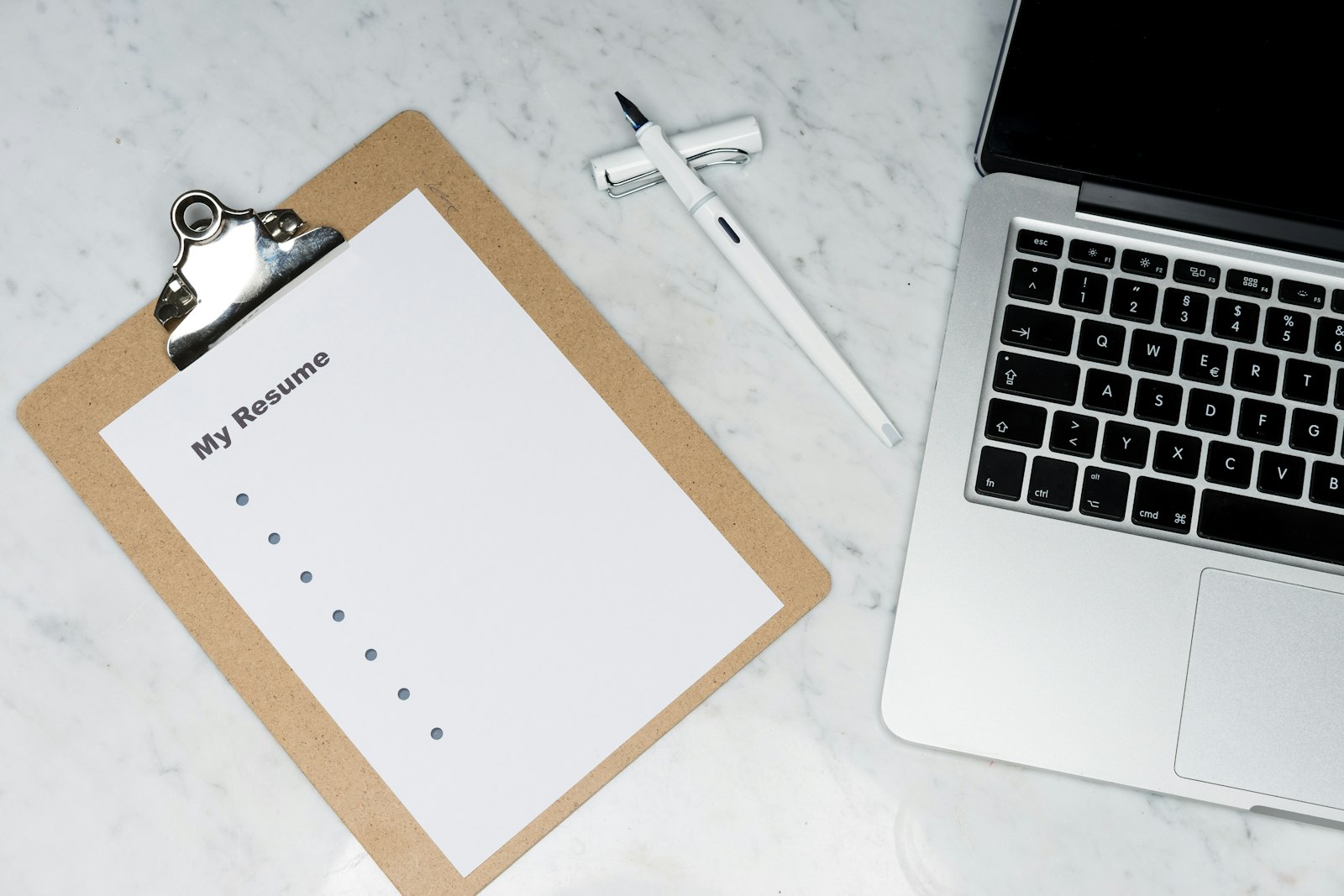
What the 100,000+ number is
Vendor copy for WPS Office advertises a template library in the six figures. Treat that as a catalog claim, not as a lab measurement and not as a promise that 100,000 designs are appropriate for your job. Libraries this large mix professional layouts, seasonal flyers, cartoon certificates, and reskins of the same resume. Quantity is a search problem. Your job is to find one clean structure and stop browsing.
The suite around those templates is still Writer, Spreadsheet, Presentation, PDF, Photo, WPS AI, and Cloud. Templates are starting files in the same first-class formats you should already default to: DOCX, XLSX, and PPTX. Across the product Kingsoft cites 47 formats. A template that saves into a niche format is a template you should immediately Save As into something the next computer knows. Official software still comes from wps.com/download or Microsoft Store 9NSGM705MQWC, not from a “template pack EXE” on a blog. See download and security.
Free users can open many templates and will meet ads and locked items. Some designs, some illustrations, and some AI-generated variants sit behind Premium. Extra Cloud — about 1 GB free, around 20 GB paid — fills with unused downloads if you are a collector. Free versus Premium is the money page; this page is the taste page.
The only safe way to open a pretty file
Open the template. Save immediately under a new name in your project folder, not in the gallery cache. Search the document for every placeholder: Your Name, Company, Lorem ipsum, a fake phone number, a chart labeled “Q4 Growth.” Replace or delete. Search again. A leftover dummy email in the footer is how a job application looks unfinished. In slides, walk the sorter. Delete sample slides you will not present. In sheets, find the sample rows and the sample tax rate.
Then fix the internals. In Writer, map titles to Heading styles instead of trusting the designer’s one-off bold sizes. Mail merge from a clean data sheet, not from a table that still contains “John Sample.” In Presentation, put logos on the master so they do not drift. In Spreadsheet, unlock only the cells a clerk should type. A locked template that nobody understands becomes a wallpaper PDF, which is fine if you meant to freeze it in PDF.
Fonts inside a downloaded skin may not exist on the venue PC or the campus lab. Switch to a common family or embed and test. This is the same compatibility story as the rest of the suite. The compare page and guides cover the second-machine test.
Licensing, logos, and “can I give this to a client?”
A free template is not automatically free for commercial use, resale, or a political campaign. Read the notice on the item if there is one. Stock photos inside a skin may be licensed only for the mockup. If you are billing a client, prefer assets you own, a mark you have permission to use, or a public-domain figure you can cite. Replacing pictures is not optional decoration; it is how you avoid handing a client someone else’s wedding photo with a new caption.
Schoolwork is usually lower risk if the template is a layout and the words are yours. Still delete watermarks and “WPS” badges if a rubric forbids branding. Paid client work is higher risk. When in doubt, start from blank and spend twenty minutes on a master. That is often faster than washing a busy flyer.
Do not download “premium template unlockers.” They are the same social-engineering weather as cracked office suites. If a design is locked, skip it or pay Kingsoft. Third-party template sites can be useful and can also wrap malware in a PPTX. Prefer the gallery inside an official build, then scan anything that arrived as an email attachment.
AI templates and the generic look
WPS AI can generate a resume draft or a slide skeleton that looks like a template. It has daily limits on Pro+ and tighter walls when you are free. The output is a starting grid. It will invent job titles you never held and statistics you never measured. Use AI for structure, then write facts from your life. The AI page is the longer warning. Combining an AI outline with a quiet human template is a decent workflow. Combining an AI outline with a noisy skin is how a talk looks like 2024.
Photo is the tool for replacing the stock hero image: crop, annotate, export, insert. See Photo. Do not stretch a tiny JPEG across a title slide and call it designed.
When a blank file wins
Blank wins when the document is short and the house style already lives in your head: a one-page letter, a three-slide update, a sheet with four columns. Blank wins when every template you open fights your accessibility needs — low contrast, tiny body text, text on photographs. Blank wins when you must mail-merge two thousand rows and the pretty letter has floating text boxes that break fields.
Template wins when you need a resume that is not a wall of Calibri, a certificate that must look official at a glance, or a lesson plan grid a substitute can read. Template wins when a small shop needs an invoice that is not a blank grid. In every winning case you still do the gutting step. Cloud can store your cleaned house templates so the phone and the PC share them; keep only the ones you use. Cloud is about 1 GB free. A hundred unused skins is a poor use of that locker. Collaboration is easier when the file is clean before you invite comments.
A template checklist
- Search the catalog for structure (resume, invoice, lesson), not for decoration.
- Save As into your folder as DOCX, XLSX, or PPTX on the first minute.
- Replace every placeholder. Search twice. Walk every slide or sheet.
- Rebuild headings, masters, and print areas so later edits survive.
- Swap stock photos and check commercial use if a client pays you.
- Test fonts on a second machine or export PDF for the frozen handout.
- Keep a personal clean template; stop browsing the 100,000-plus shelf.
- Ignore crack sites. Official WPS only.
Related: apps hub, Writer, Presentation, Spreadsheets, and official downloads.