Muscle memory
If you already type Ctrl+B in Word, you already know most of WPS.
WPS Office copied the everyday Microsoft keyboard on purpose. Writer uses Ctrl+B, Ctrl+I, Ctrl+U, and Ctrl+S. Presentation still treats F5 as “start the slideshow.” Mac users swap Ctrl for Command. This page is the independent everyday set — not a 400-row vendor appendix, and not a promise that every obscure Word chord exists.
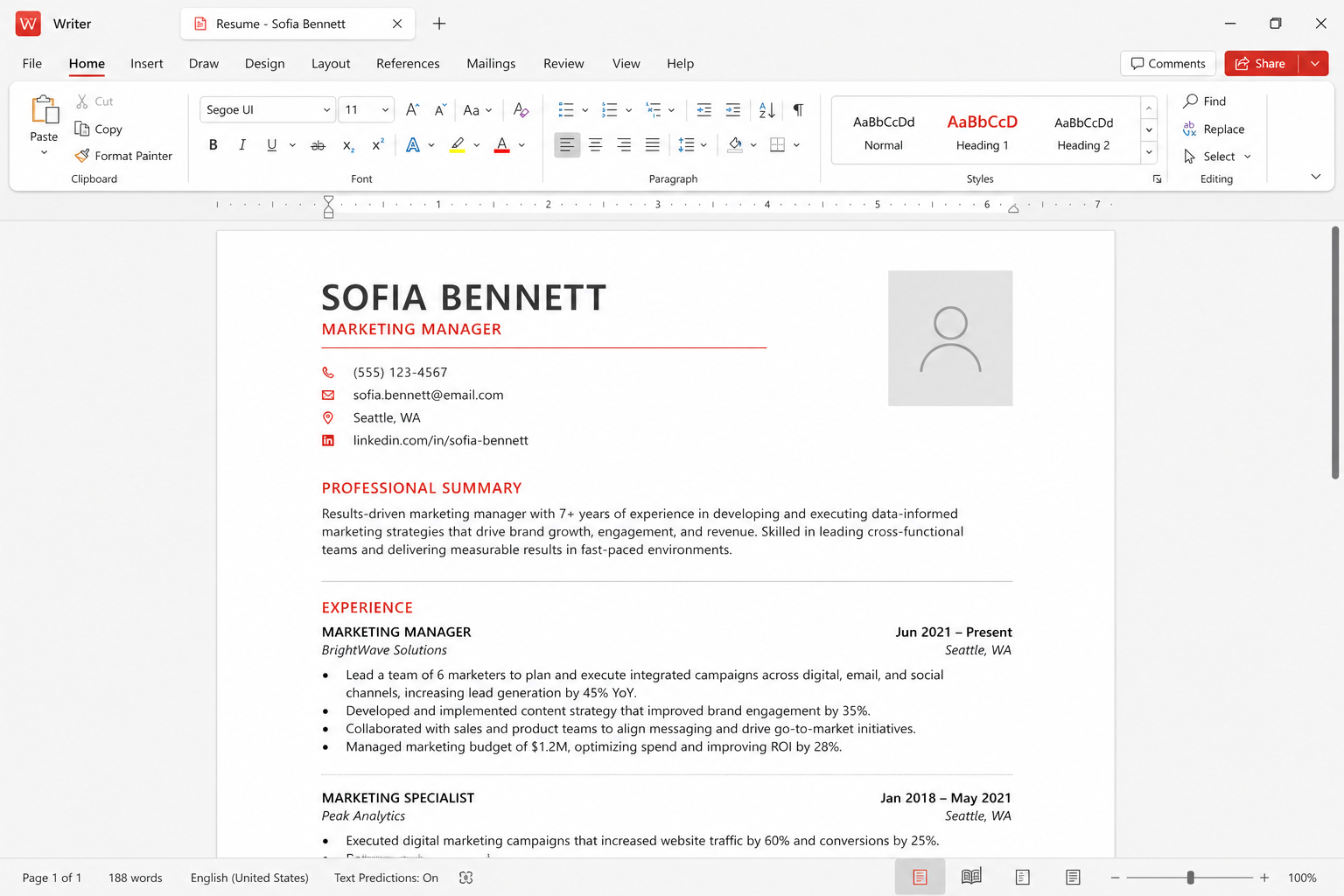
How to read this list
Windows and Linux use Control. macOS uses Command unless a dialog still says Ctrl. iPad and Android hardware keyboards follow the host: Command on Apple keyboards, Ctrl on most others. The web version is a subset. The browser may steal F5 (refresh) and Ctrl+T (new tab). If a chord does nothing, check whether the focus is in a comment pane, a find box, or an ad tile on the free skin. Close the extra pane and try again. Localized keyboards still send the same modifiers; letter keys follow the physical key in some builds and the stamped letter in others. If Ctrl+Z undoes on your machine, you are in the expected world.
Builds differ. Treat this as the common set people actually use, then peek at the in-app shortcut list under Help or a search box in the ribbon. Official feature names live on wps.com. We do not mirror a complete vendor table that will drift.
Writer: the Word-shaped core
These are the chords that make a cheap laptop feel like a writing machine. Learn them before you learn the marketplace templates.
- Ctrl+B / Command+B — bold. Ctrl+I — italic. Ctrl+U — underline.
- Ctrl+S — save. Use it like a nervous tick. Cloud save is not a substitute on a flaky cafe network.
- Ctrl+C / X / V — copy, cut, paste. Ctrl+A — select all.
- Ctrl+Z / Ctrl+Y — undo / redo. Some Mac menus still say Shift+Command+Z for redo.
- Ctrl+F — find. Ctrl+H — replace on Windows. Confirm the Mac menu if H is bound to hide.
- Ctrl+N — new document. Ctrl+O — open. Ctrl+P — print or print preview.
- Ctrl+Enter — page break in Writer, the same idea as Word.
- Ctrl+Shift+> and Ctrl+Shift+< — bump font size in many desktop builds.
- Ctrl+L / E / R / J — align left, center, right, justify when the editor is focused in the body.
- Ctrl+K — insert or edit a hyperlink.
Styles still beat a pile of bold. Apply Heading 1 from the style gallery, then use the keyboard to move, not to fake a table of contents with underscores. That habit is what keeps files alive in compatibility tests when a teacher opens the DOCX in Word. Students who only memorize Ctrl+B write messy theses. Teachers who only memorize Ctrl+P print the wrong tray.
Spreadsheet: Excel muscle memory
Ordinary sheet work uses the same family of keys. Navigation matters more than decoration.
- Ctrl+S still saves. Large workbooks deserve extra saves before a filter.
- Ctrl+C / V / X — copy, paste, cut. Ctrl+D — fill down in many Excel-like grids.
- F2 — edit the active cell. Enter confirms. Esc cancels.
- Ctrl+Home / Ctrl+End — jump toward the origin or the used range on Windows.
- Ctrl+Arrow — jump the edge of a data block.
- Ctrl+Shift+Arrow — extend a selection to that edge. Useful before a format change.
- Ctrl+; — insert the date in many desktop builds, same idea as Excel.
- Ctrl+1 — format cells when the chord is wired; otherwise use the ribbon Home tab.
- Alt+= — AutoSum on Windows when the build copied Excel’s chord.
If a workbook is a VBA factory, stop looking for shortcuts and open it in Excel. Shortcuts will not make macros safe. That is the Microsoft 365 line and the macro line at once. Shops should keep the “price engine” in Excel and use WPS for the invoice letter.
Presentation: F5 and the guest-machine panic
The slide show is why people still care about function keys.
- F5 — start the slideshow from the beginning on desktop Windows and many Linux builds.
- Shift+F5 — start from the current slide when the build matches PowerPoint’s habit.
- Esc — end the show. N / Space / right arrow — next. P / left arrow — previous.
- B — black screen on many presenters. W — white screen. Test before the room fills.
- Ctrl+M — new slide in many desktop builds.
- Ctrl+S — save the deck. Do this before you plug into a projector that crashes GPUs.
Laptops hide F5 behind an Fn key. Use Fn+F5 or flip the Fn lock. A classroom machine may have that lock the other way. Stand in the room. The Linux page exists partly because a symbol font plus a projector is how a talk dies. Export a PDF backup; you cannot shortcut your way out of a missing font.
PDF, AI, and chords that are not worth muscle memory
PDF comment tools are mostly mouse or Pencil. Learn Ctrl+S and page-up/page-down. Do not hunt for an Adobe-only chord and declare WPS broken. Heavy OCR is a button and sometimes a paid wall — pricing — not a secret key. WPS AI lives in a side pane. There is no honest “make the essay” chord we will document. Type, then verify.
On Android and iOS, a hardware keyboard is the only reason to memorize this page. Thumbs should use the formatting bar. On the web, if F5 refreshes the tab in the middle of a rehearsal, use the on-screen Slide Show button.
A one-hour practice plan
- Open a throwaway DOCX. Apply bold, italic, save, find, page break without the mouse.
- Open a throwaway XLSX. Edit a cell with F2, fill down, save.
- Open a throwaway PPTX. Hit F5, black screen, Esc, Shift+F5 if it works.
- Repeat on a Mac with Command if you bounce between lab and home.
- Note any chord that failed. Use the ribbon. Do not install a “shortcut pack” from a search ad.
Related: UI languages if menus do not match this English page, install paths, why the keys feel like Office.